 +923165774042
+923096407032
+923165774042
+923165774042
+923096407032
Vodafone R218H Unlock File All Network
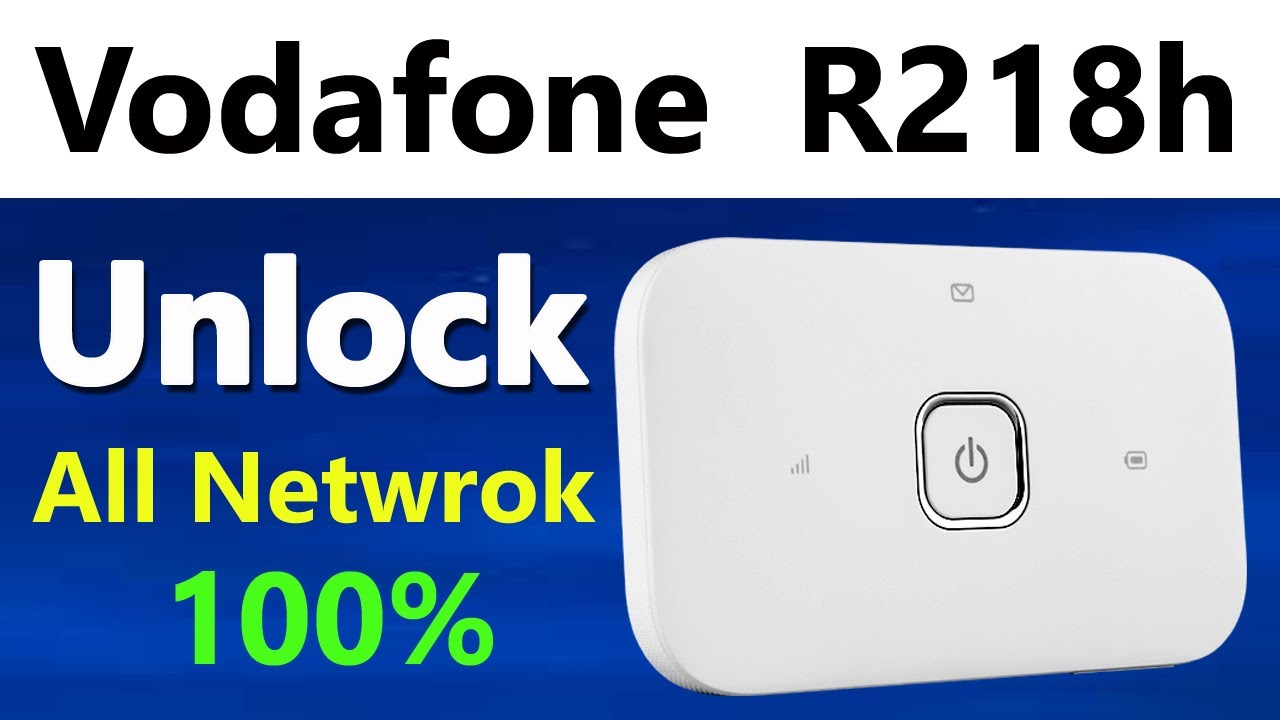
| Date | 2025-01-05 10:32:54 |
| Filesize | 410.00 BB |
| Visits | 1121 |
| Downloads | 25 |
| Price | 2.00USD |
Looking for the Vodafone R218H Unlock File All Network? If you have a Vodafone R218H device and it's locked to the Vodafone network, you can easily unlock it using the right unlock file. This will allow you to use the device with any carrier, giving you greater freedom and flexibility to choose your preferred network. In this guide, we’ll walk you through the process of unlocking your Vodafone R218H using the Vodafone R218H Unlock File All Network.
The Vodafone R218H Unlock File All Network is a special file or firmware that removes the carrier lock from your Vodafone R218H device. Once unlocked, you can insert any SIM card from a different network and use it seamlessly without any restrictions. Using this unlock file is one of the quickest and most reliable methods to unlock your device to work with all networks globally.
Unlocking your Vodafone R218H with the Vodafone R218H Unlock File All Network comes with several benefits:
Unlocking your Vodafone R218H device using the Vodafone R218H Unlock File All Network involves a few simple steps. Follow this guide to unlock your device successfully:
The first step is to find and download the correct Vodafone R218H Unlock File All Network. Ensure that the unlock file is specifically designed for the Vodafone R218H model. You can find these files on various online platforms, but always ensure you’re downloading from a reputable source to avoid any issues.
To apply the Vodafone R218H Unlock File All Network, you'll need specific unlocking software. Programs like DC-Unlocker or Huawei Hisilicon are commonly used to unlock Vodafone devices. Make sure to install these tools on your computer before proceeding.
Using a USB cable, connect your Vodafone R218H to your computer. Ensure the device is detected by the software.
Once the device is connected, open the unlocking software and load the Vodafone R218H Unlock File All Network into the tool. The software will automatically begin the unlocking process. This may take a few minutes, so be patient and let the software complete the process without interruption.
After applying the unlock file, restart your Vodafone R218H device. Once rebooted, your device should now be unlocked and ready to use with any SIM card from any network.
To confirm that the device has been successfully unlocked, insert a SIM card from a different network. Your Vodafone R218H should now connect to the new network without any issues, confirming that the Vodafone R218H Unlock File All Network has worked correctly.
Unlocking your Vodafone R218H with the Vodafone R218H Unlock File All Network is a simple and effective way to free your device from carrier restrictions. Whether you're looking to switch carriers, save on roaming charges while traveling, or increase the resale value of your device, the Vodafone R218H Unlock File All Network is your solution. Follow the steps above, and you’ll soon be enjoying the full benefits of an unlocked Vodafone R218H.


